Barsha Chowdhury
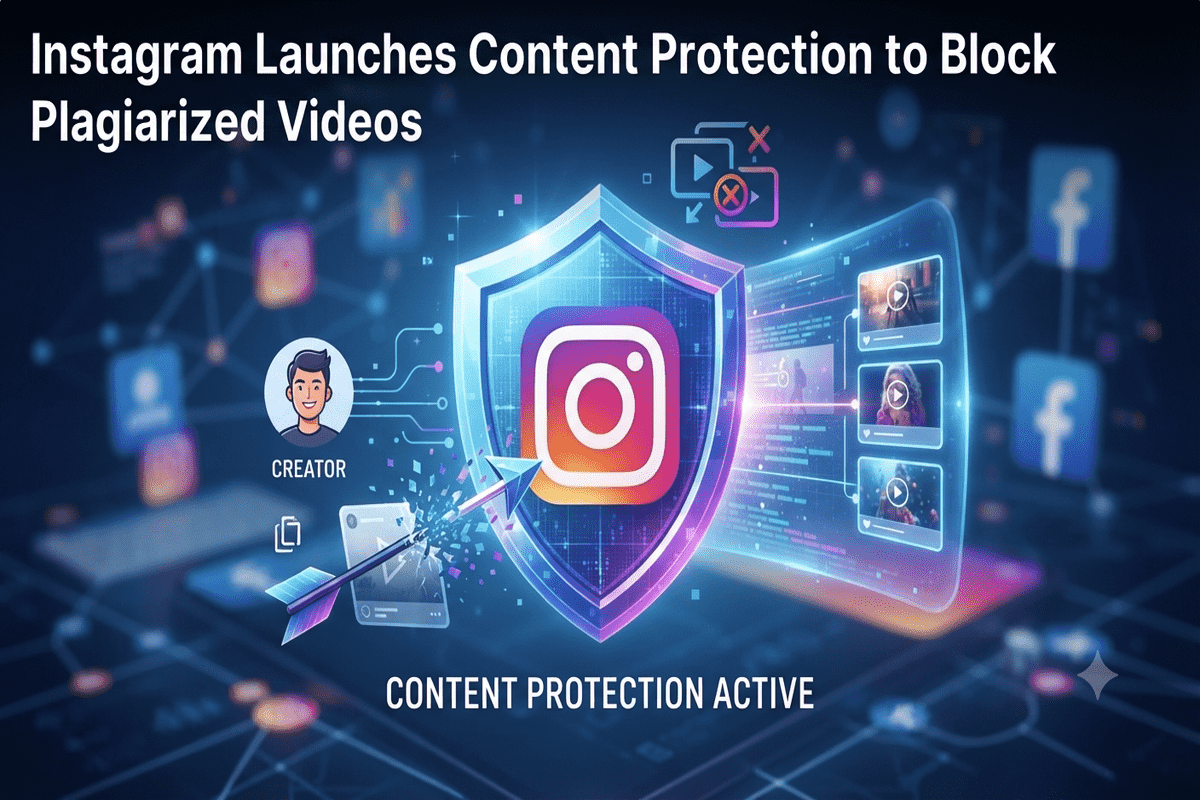
Spending hours scripting, filming, and editing a viral Reel only to watch a copycat account steal your views is every creator’s worst nightmare. To block plagiarized videos on Instagram, Meta has officially rolled out Instagram Content Protection. This powerful new suite automatically scans both Instagram and Facebook for stolen clips, putting control back into your hands. In this complete guide, you will learn how this tool works, how to activate it, and how it stops AI-generated copycats in their tracks.
Table of Contents
What Is Instagram Content Protection?
Instagram Content Protection is an automated detection system designed to safeguard original video creators from unauthorized reposts. Building on the framework Meta originally introduced for Facebook in late 2025, this Instagram anti-plagiarism tool actively monitors uploaded content across both platforms to spot visual matches of your work.
Previously, creators had to rely on manual copyright takedown forms or enterprise-level Instagram Rights Manager for Reels. As noted in coverage by Plagiarism Today, Meta’s new rollout brings accessible, Content ID-style detection directly into the standard mobile dashboard for eligible creators. Once enabled, the system automatically protects every new original Reel you publish, while letting you manually enroll older clips from your archive.
Why Creators Needed Stronger Protection Against Video Theft
Aggregator accounts and content scrapers have long profited by downloading trending videos, stripping watermarks, and re-uploading them without permission. While Instagram previously adjusted its recommendation algorithms to downrank serial reposters, stolen videos still siphoned away engagement, followers, and brand deal opportunities.
By introducing dedicated Instagram original content protection, Meta addresses three major pain points for digital storytellers:
- Loss of Attribution: Viewers rarely know who originally created a viral clip when a meme page reposts it without tagging.
- Monetization Leakage: Repost accounts capture views and ad revenue share that rightfully belong to the original filmmaker or comedian.
- Time-Consuming Takedowns: Filing formal intellectual property disputes for dozens of stolen Reels every week is exhausting for independent creators.
4 Ways to Respond When Instagram Detects a Copied Reel
When Instagram copied Reels protection identifies a matching video on Instagram or Facebook, it sends an alert directly to your activity feed. Rather than issuing an automatic strike, the platform gives you four strategic options for each match:
1. Track Performance (Default Setting)
If you want to see how a repost performs before making a move, you can leave the video up and monitor its metrics. You get visibility into the view count and the profile hosting your clip, helping you assess whether the repost is helping or hurting your reach.
2. Add an “Original By” Credit Link
Sometimes, a fan page reposting your video can actually drive massive traffic back to your profile. Choosing this option places a clickable “Original by” or “Original from” attribution label directly on the copied video, funneling curious viewers straight to your account.
3. Hide the Copied Video
If an account is aggressively profiting off your work or misrepresenting your brand, you can block plagiarized videos on Instagram by selecting Hide. This immediately removes the matching video from public view across both Instagram and Facebook without requiring a formal DMCA legal battle.
4. Release the Claim
If you recognize the account or decide the clip falls under fair commentary that you support, you can simply release the claim. The video remains live with no attribution label attached.
How to Turn On Instagram Content Protection
Getting started with these Instagram creator copyright tools takes less than two minutes, provided your account meets Meta’s originality and integrity standards. If you have received an eligibility notification in your activity feed, follow these steps to activate your shield:
- Open the Instagram app and navigate to your profile’s Home tab.
- Tap on Tools and open Your professional tools.
- Select Content Protection from the menu and toggle the feature on.
- Review your past Reels library to manually add high-performing older videos to the protection database.
Pro Tip: Don’t forget to configure your Allowlist. If you run a second backup account, work with brand sponsors, or have partner agencies authorized to repost your videos, add their handles to your allowlist so the system won’t flag legitimate collaborations. If you don’t see the option in your settings yet, look for the in-app prompt to request early access.
Tackling the Next Frontier: Instagram AI Copycat Detection
Visual matching stops traditional download-and-reupload thieves, but modern content pirates have gotten smarter. Many bad actors now transcribe viral comedy skits or educational hooks and feed them into generative video tools to create entirely new visuals around stolen audio and scripts.
According to a recent report by Mashable, Instagram is actively testing Instagram AI copycat detection alongside this rollout. By analyzing spoken words, transcripts, and audio tracks rather than just visual frames, Meta aims to catch AI-generated copycats that plagiarize a creator’s exact script or joke delivery even when the visuals are swapped out.
Pros and Cons of Meta’s New Anti-Plagiarism System
Before relying exclusively on automated detection, it helps to understand both the strengths and current limitations of the platform’s approach:
Pros:
- Cross-Platform Coverage: Scans both Instagram and Facebook simultaneously from a single dashboard.
- Flexible Enforcement: Lets you monetize attention via credit links instead of forcing an all-or-nothing takedown.
- Zero Penalty Friction: Hiding a copy restricts its visibility without permanently banning or penalizing legitimate fans who accidentally reposted.
Cons:
- Gradual Rollout: Access is tied to eligibility criteria, meaning smaller accounts may need to apply and wait.
- Walled-Garden Limits: It cannot detect if someone downloads your Reel and uploads it to TikTok or YouTube Shorts.
- No Revenue Sharing: Unlike YouTube’s Content ID, you cannot claim ad revenue earned by the copied video before you hid it.
For more strategies on safeguarding your digital assets and growing safely, check out our complete guide to social media content strategy and creator growth.
Conclusion
Meta’s decision to launch Instagram Content Protection marks a major victory for original filmmakers, educators, and comedians tired of watching scraper pages steal their momentum. By combining automated visual matching, flexible attribution controls, and upcoming transcript tracking, Instagram is finally giving creators practical tools to stop unauthorized reposts on Instagram without drowning in legal paperwork.
Head into your Professional Tools menu today to check your eligibility and activate protection on your top-performing Reels. Have you noticed copycat accounts reposting your videos lately? Share your experience in the comments below or explore our latest social media growth guides to keep your channel thriving!
Frequently Asked Questions
How do I activate Instagram Content Protection on my account?
Open your Instagram app, go to your profile’s Home tab, tap Tools, and select Your professional tools. Tap Content Protection to toggle automatic scanning on for new videos, or submit an access request if the feature hasn’t rolled out to your account yet.
Can Instagram Content Protection block plagiarized videos on Instagram automatically?
The tool automatically detects matching videos across Instagram and Facebook and alerts you, but it never deletes content on its own. Once notified, you can immediately click “Hide” to block the copied video from public view or add a credit link back to your original post.
Does this tool catch AI-generated videos that steal my script or audio?
Visual matching catches direct reposts right now, while Instagram is actively testing audio and transcript-matching technology. This upcoming update is specifically built to detect AI copycat videos that steal your spoken jokes or scripts even after changing the visuals.
What happens if a brand partner or my second account reposts my Reel?
You can prevent false flags by adding trusted handles such as brand sponsors, collaborators, or your backup pages to your Content Protection Allowlist. Any account on your allowlist can freely repost your original Reels without triggering copyright alerts or visibility restrictions.
Get real time update about this category directly on your device, subscribe now.
Have any thoughts?
Share your reaction or leave a quick response — we’d love to hear what you think!
-
 0
- 0
- 0
- 0
- 0
- 0