Nitin Tayal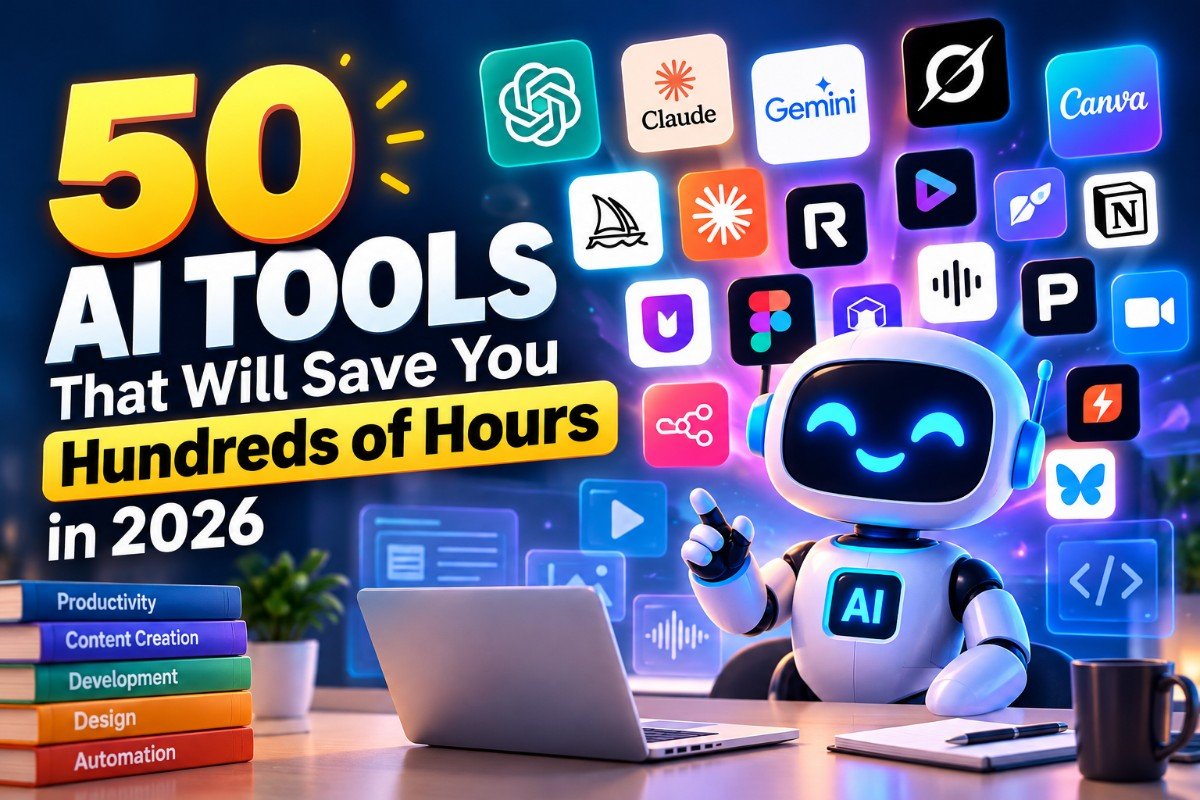
Artificial intelligence is changing how we work, create content, conduct research, write code, and manage everyday tasks. What once required hours of manual effort can now be completed in minutes with the right AI tools.
From generating videos and designing websites to automating workflows and summarizing research papers, AI tools are becoming essential for students, developers, content creators, freelancers, and businesses.
But with hundreds of tools launching every year, knowing which ones are worth your time can be challenging.
Here are 50 AI tools worth exploring in 2026, organized by their primary features, use cases, and pricing models so you can quickly find the right tools for your workflow.
Note: “Free” means a free plan or free access is available. “Freemium” means you can start free but may need to pay for higher limits or advanced features. “Paid” means a subscription or payment is generally required for meaningful use. Availability and plan limits can change.
Table of Contents
1. AI Assistants and Research Tools
These tools help you answer questions, analyze information, brainstorm ideas, and find reliable sources without spending hours searching manually.
| No. | AI Tool | Key Features | Free or Paid |
|---|---|---|---|
| 1 | Claude | Writing, coding, document analysis, problem-solving, and long-context reasoning. | Freemium |
| 2 | Perplexity | AI-powered web search, research summaries, and source-linked answers. | Freemium |
| 3 | Gemini | Writing, brainstorming, summarization, multimodal analysis, and Google ecosystem integration. | Freemium |
| 4 | ChatGPT | Content creation, brainstorming, coding, data analysis, image generation, and general assistance. | Freemium |
| 5 | NotebookLM | Analyze uploaded documents, summarize sources, generate study guides, and create audio overviews. | Free with usage limits |
| 6 | Grok | Conversational AI, reasoning, content generation, and access to information from X and the web, depending on the plan. | Freemium |
| 7 | Poe | Access multiple AI models through a single platform and create custom bots. | Freemium |
| 8 | Genspark | AI-assisted research, multi-step tasks, generated reports, and agent-based workflows. | Freemium |
| 9 | Manus | Autonomous AI agents that can execute multi-step research and computer-based tasks. | Freemium; usage-limited |
| 10 | Elicit | Find academic papers, extract research findings, and organize literature reviews. | Freemium |
Why these tools matter: Instead of opening dozens of browser tabs, manually comparing sources, or drafting everything from scratch, you can use AI assistants to accelerate the initial research and thinking process. Always verify important claims and sources before relying on them.
2. AI Video Generation and Editing Tools
AI video tools are transforming content production by helping creators generate clips, edit footage, create virtual presenters, and produce social media videos with less manual work.
| No. | AI Tool | Key Features | Free or Paid |
|---|---|---|---|
| 11 | Kling AI | Generate realistic videos from text prompts and images; animate characters and scenes. | Freemium |
| 12 | CapCut | AI-assisted video editing, automatic captions, background removal, templates, and social media effects. | Freemium |
| 13 | HeyGen | Create AI avatar videos, digital presenters, translated videos, and talking-head content. | Freemium |
| 14 | Synthesia | Produce professional training, explainer, and corporate videos with AI presenters. | Freemium; limited free access |
| 15 | Runway | Generate and edit AI videos, transform footage, and use advanced creative video tools. | Freemium |
| 16 | Pika | Create short AI-generated videos, animate images, and apply visual effects. | Freemium |
| 17 | Luma AI | Generate cinematic video clips and transform text or images into moving scenes. | Freemium; credit-limited |
Why these tools matter: Video creation traditionally involves scripting, filming, editing, and post-production. AI can shorten several of these stages, making it easier to publish product demonstrations, advertisements, tutorials, and short-form videos.
3. AI Image Generation, Design, and 3D Creation
Whether you need a blog thumbnail, marketing graphic, game asset, product photograph, or 3D model, these tools can reduce the time spent on visual production.
| No. | AI Tool | Key Features | Free or Paid |
|---|---|---|---|
| 18 | Midjourney | Generate detailed AI artwork, illustrations, concept art, and stylized images. | Paid |
| 19 | Ideogram | Generate images with improved text rendering, posters, logos, and typography-focused designs. | Freemium |
| 20 | Leonardo AI | Create illustrations, game assets, character concepts, textures, and other visual content. | Freemium |
| 21 | Canva | Design social media graphics, presentations, posters, and marketing materials with AI assistance. | Freemium |
| 22 | Figma AI | Assist with UI/UX design, interface generation, design workflows, and prototyping. | Freemium; AI usage limits may apply |
| 23 | Photoroom | Create product images, remove backgrounds, and generate professional-looking product photography. | Freemium |
| 24 | Remove.bg | Automatically remove image backgrounds for product images, portraits, and graphics. | Freemium; high-resolution downloads may cost extra |
| 25 | Tripo AI | Generate 3D models from text prompts and images for creative and development workflows. | Freemium |
Why these tools matter: AI design tools make visual production more accessible to people who do not have professional design skills. They are especially useful for bloggers, e-commerce businesses, marketers, and independent creators who need visuals regularly.
4. AI Writing, Audio, and Music Tools
From writing and translation to voice generation and podcast production, these tools help turn ideas into polished content faster.
| No. | AI Tool | Key Features | Free or Paid |
|---|---|---|---|
| 26 | ElevenLabs | AI voice generation, text-to-speech, voice cloning, and multilingual audio production. | Freemium |
| 27 | Podcastle | Record, edit, and enhance podcasts with AI-powered audio and recording features. | Freemium |
| 28 | Suno | Generate original songs, vocals, lyrics, and music from text prompts. | Freemium |
| 29 | Udio | Create AI-generated music and songs using text prompts and musical directions. | Freemium; plan and availability dependent |
| 30 | DeepL | Translate text and documents and improve multilingual communication. | Freemium |
| 31 | Wispr Flow | Convert speech into text and dictate messages, notes, and documents across supported applications. | Freemium; usage limits may apply |
| 32 | YouLearn | Summarize and interact with educational content, including supported YouTube videos and documents. | Freemium |
Why these tools matter: These tools can accelerate the production of voiceovers, podcast episodes, educational notes, translations, and marketing content. They are particularly valuable when you need to produce content in multiple formats or languages.
5. AI Coding and App Development Tools
AI-assisted development tools can help developers move from an idea to a working prototype faster. Some generate code, while others build applications from natural-language descriptions.
| No. | AI Tool | Key Features | Free or Paid |
|---|---|---|---|
| 33 | Lovable | Generate web applications from prompts and build interfaces with supporting application logic. | Freemium |
| 34 | Bolt.new | Build and iterate on web applications through browser-based AI development. | Freemium |
| 35 | Cursor | AI-powered code editor for code generation, debugging, refactoring, and codebase understanding. | Freemium |
| 36 | Windsurf | AI-assisted software development, code completion, and agentic coding workflows. | Freemium |
| 37 | Replit | Build, run, test, and deploy applications in a browser with AI coding assistance. | Freemium |
| 38 | Framer AI | Generate and design websites, create page layouts, and publish responsive web experiences. | Freemium; paid publishing features available |
Why these tools matter: Tasks such as generating boilerplate code, building interface components, debugging errors, and creating prototypes can take significantly less time with AI assistance. However, developers still need to review generated code, test functionality, and address security and performance issues.
6. AI Productivity, Meetings, and Automation
These tools are designed to reduce repetitive work, organize information, capture meetings, and connect different applications.
| No. | AI Tool | Key Features | Free or Paid |
|---|---|---|---|
| 39 | Gamma | Generate presentations, documents, and visual web-style content from prompts. | Freemium |
| 40 | Tally | Create online forms, surveys, and questionnaires with conditional logic and integrations. | Freemium |
| 41 | Otter.ai | Transcribe meetings, generate summaries, and capture action items. | Freemium |
| 42 | Fireflies.ai | Record and transcribe meetings, summarize discussions, and search meeting conversations. | Freemium |
| 43 | Granola | Create AI-enhanced meeting notes and organize important discussion points. | Freemium |
| 44 | Zapier | Connect applications and automate repetitive tasks using triggers, actions, and AI features. | Freemium |
| 45 | Make | Build visual workflows that connect applications and automate multi-step processes. | Freemium |
| 46 | n8n | Create customizable automation workflows with integrations, APIs, and AI agents; self-hosting is available. | Free self-hosted option; paid cloud plans |
Why these tools matter: Productivity tools can help reduce administrative work, while automation platforms can move information between applications without repeated manual input. For example, a workflow could capture a form submission, organize the data, generate a summary, and notify the relevant team.
7. AI Learning, Discovery, and Knowledge Management
These tools help you discover new software, understand complex information, and keep your knowledge organized.
| No. | AI Tool | Key Features | Free or Paid |
|---|---|---|---|
| 47 | The AI Library | Discover AI tools across different categories and explore options for specific tasks. | Free discovery access; individual tools may be paid |
| 48 | SciSpace | Search, explain, and analyze academic papers and scientific literature. | Freemium |
| 49 | Notion AI | Assist with writing, summarization, knowledge management, and organizing workspace information. | Paid AI features; limited trial or access may be available |
| 50 | PortfolioTab | Create and present a professional portfolio to showcase projects, skills, and work. | Verify current plan and pricing |
Why these tools matter: Discoverability and knowledge management are often overlooked parts of productivity. Finding the right application for a task and keeping research, notes, and project information organized can save time over the long term.
Which AI Tools Should You Try First?
You do not need all 50 tools to build a productive workflow. Start with the tasks that consume the most time in your day.
| Your Goal | Recommended Tools | Why Start Here? |
|---|---|---|
| Research and fact-checking | Perplexity, ChatGPT, NotebookLM | Find information, summarize sources, and analyze documents. |
| Writing articles and blogs | Claude, ChatGPT, Gemini | Brainstorm topics, structure articles, and refine drafts. |
| Creating social media content | Canva, CapCut, Ideogram | Produce graphics, thumbnails, and short-form videos. |
| Generating AI videos | Kling AI, Runway, Pika | Create clips and visual content without traditional filming. |
| Building websites and applications | Lovable, Bolt.new, Cursor | Turn ideas into prototypes and accelerate development. |
| Creating presentations | Gamma, Canva | Turn notes and ideas into visual presentations. |
| Automating repetitive tasks | Zapier, Make, n8n | Connect applications and automate recurring workflows. |
| Meeting notes and summaries | Otter.ai, Fireflies.ai, Granola | Capture discussions and organize action items. |
| Voiceovers and music | ElevenLabs, Suno | Generate audio for videos, podcasts, and creative projects. |
| Academic research | Elicit, SciSpace, NotebookLM | Find, understand, and organize research material. |
How to Save Hundreds of Hours With AI
The biggest productivity gains usually come from combining a small number of tools rather than subscribing to dozens of services.
Here is a practical approach:
1. Identify repetitive tasks. List the activities you perform regularly, such as writing reports, researching topics, editing videos, or preparing meeting notes.
2. Choose one tool for each major task. Start with a general AI assistant, a research tool, and one specialized application for your main work.
3. Build repeatable workflows. Save useful prompts, templates, and automation sequences so you do not have to start from scratch every time.
4. Keep human review in the process. AI-generated content can contain factual errors, weak reasoning, or unsuitable outputs. Review important results before publishing, deploying, or sharing them.
5. Measure the time saved. Compare how long a task takes manually with how long it takes using AI, including the time needed to correct errors and verify results.
For example, if AI saves you 30 minutes on each of five tasks per week, that adds up to 2.5 hours weekly, or approximately 130 hours over 52 weeks. Actual savings will depend on your workflow and how much review is required.
Final Thoughts
AI tools are no longer limited to answering questions or generating text. They can help create videos, develop applications, automate business processes, analyze documents, generate audio, and support entire creative workflows.
The key is not to use every tool available. It is to find the tools that solve your specific problems and integrate them into your daily routine.
Start with two or three tools, learn their capabilities, and expand your toolkit only when you identify a genuine need.
The goal is simple: spend less time on repetitive work and more time on tasks that require creativity, judgment, and problem-solving.
Get real time update about this category directly on your device, subscribe now.
Have any thoughts?
Share your reaction or leave a quick response — we’d love to hear what you think!
-
 0
0 - 0
- 0
- 0
- 0
- 0