Sakshi Dhingra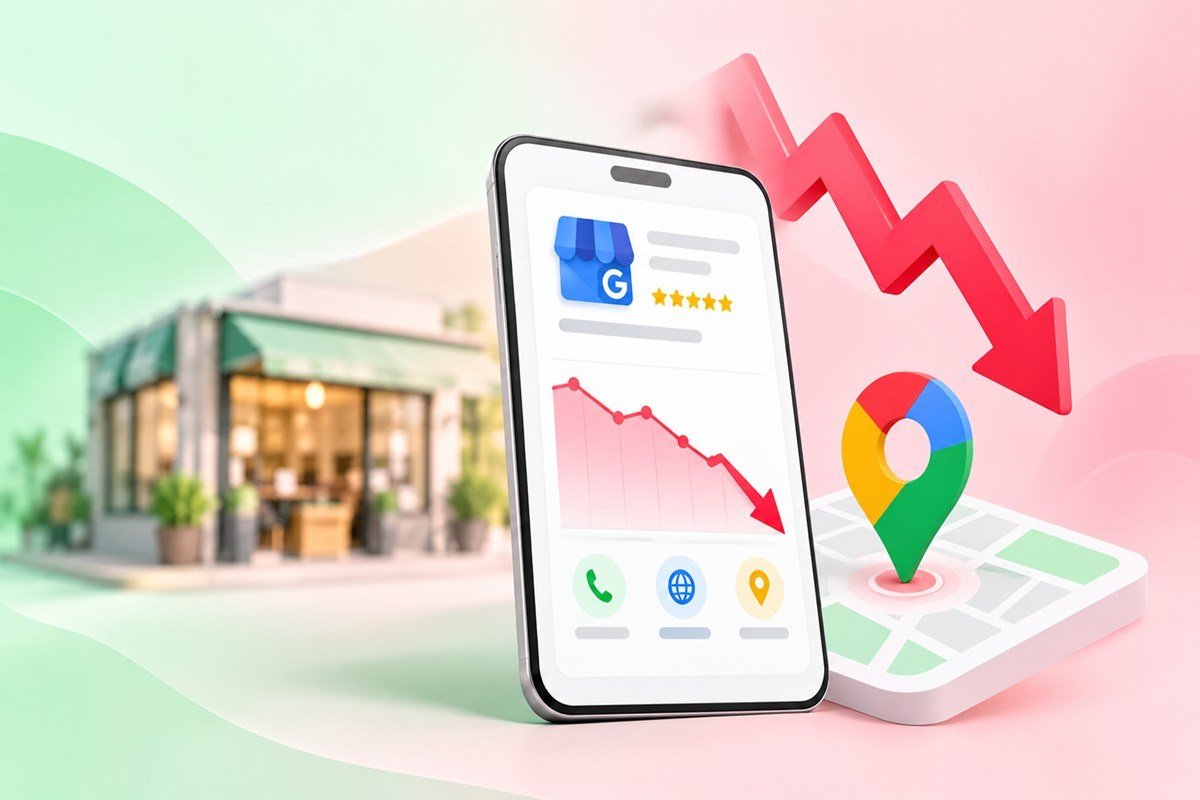
If your Google Business Profile views have fallen off a cliff, start by resisting the urge to panic. A large share of the view drops reported across 2024, 2025 and 2026 are not lost customers at all. They are the result of Google quietly changing how it counts a view. Once you separate that measurement shift from the handful of causes that genuinely hurt visibility, the fix for your profile usually becomes obvious.
This guide walks through the one change that fools most business owners, then the real causes of a true decline, and a specific fix for each. The numbers here come from current local search data rather than guesswork, so you can diagnose your own profile with some confidence.
Table of Contents
Before Anything Else, Check Whether You Actually Lost Visibility
In 2024 Google updated the way the Business Profile Performance report counts views, and the reported numbers for many profiles fell by as much as half within a few months. Nothing about those businesses’ rankings had changed. What changed was the definition of a view.
Under the old system, a view was logged almost any time your profile appeared on screen, including as a single pin among dozens on a map or as one result in the local pack. Under the current system, Google counts unique users over a single day, so repeated looks from the same person inside a 24 hour window collapse into one. On top of that, a simple appearance on the map no longer counts. A view is now recorded only when someone actually opens your profile. Google explains the current metrics in its own Business Profile performance documentation, which is worth reading before you draw any conclusion from a falling line on the chart.
The practical test is simple. If your view count dropped but your phone calls, website clicks, direction requests and bookings held steady or grew, you did not lose customers. The meter changed, not your reach. Compare like-for-like periods, lean on the actions in your report rather than raw impressions, and export the data so you keep a record Google only retains for a limited window.
Watch the Actions That Pay, Not Just the Impressions
Views are a vanity number. The actions underneath them are what bring revenue, and they tend to split in a predictable way. Across a large sample of profiles, engagement broke down roughly as shown below, according to Birdeye.

Figure 1. Typical split of Google Business Profile engagement by action type (source: Birdeye).
If views slid but this mix of website visits, direction requests and calls stayed healthy, treat the view drop as a reporting event and move on. If the actions themselves are shrinking, you have a real problem, and the next section helps you name it.
The Real Causes of a Genuine Decline
When engagement truly falls, the reason is almost always one of six things. Use the table as a quick diagnostic, then read on for the detail behind the two causes most people miss.
| Likely cause | Signal to look for | What to do first |
| Reporting change | Views fall sharply, but calls, clicks and bookings stay flat or rise | Re-baseline on the new unique-view metric and track actions, not impressions |
| Soft or hard suspension | A suspension notice, your profile hidden in Maps, or edits rejected | Audit for policy issues, use your real-world name, file a reinstatement appeal |
| Ranking slip in prominence | A slow fade over weeks while competitors move above you | Rebuild reviews, posts, photos and categories, and fix any address or phone mismatches |
| AI Overviews and AI Mode | Fewer clicks on queries that now show an AI answer at the top | Strengthen reviews and consistent business data so AI engines cite you |
| Seasonality or demand dip | The drop lines up with a known slow season for your trade | Compare the same month last year, not the month just gone |
| Spam and fake-listing cleanups | Sudden map reshuffles right after a Google update | Report spam competitors that remain, and keep your own profile fully compliant |
Suspensions are the most sudden cause. A soft suspension can hide your profile from Maps while the dashboard still looks normal, so if views vanished overnight, rule this out first. Common triggers include stuffing keywords into the business name, a virtual address used as a storefront, or sharp edits that look like a policy breach. Fix the underlying issue, set your name to match your real-world signage, then appeal for reinstatement.
The slower, quieter cause is the shift toward answers that never produce a click. AI Overviews and AI Mode now sit at the top of many results, and Ahrefs found that the top organic result loses roughly 58 percent of its clicks when an AI Overview appears above it. The good news for local businesses is that AI Overviews are far less common on local queries.
Only about 7.9 percent of local searches trigger one, against 22.8 percent of non-local searches. The pressure is real but lighter on the map than on the open web, and Google reports AI Overviews already reach more than 2.5 billion users a month, so the direction of travel is clear.
How to Rebuild the Views That Matter?
Once you have ruled out a suspension and accepted the new way views are counted, the work is to rebuild prominence and meet searchers where they now look. These steps are ordered by impact.
- Fix the basics of discovery first. About 86 percent of profile impressions come from category searches rather than people typing your brand name, per Birdeye, so your primary category, secondary categories and listed services do more for you than your name. Choose the most specific primary category that fits, and fill in every relevant service.
- Fight for the top three map spots. Listings in the top three of the local pack earn about 126 percent more traffic and 93 percent more actions than positions four to ten, according to Soci.ai. Proximity you cannot control, but relevance and prominence you can, through categories, reviews and a complete profile.
- Post consistently. Regular updates keep a profile active and nudge behaviour. Same-day event and offer posts lifted direction clicks by about 8.1 percent and call clicks by about 9.6 percent in Uberall data drawn from Google. A weekly post is a low-cost habit with a measurable return.
- Treat reviews as ranking fuel. Steady review volume and prompt, specific replies feed prominence and build the trust that both searchers and AI engines read. A profile that stops collecting reviews often fades in step with that slowdown.
- Go mobile-first. Roughly 73 percent of consumers begin their most recent local search on a phone, per eMarketer, so test how your profile, website and click-to-call behave on a small screen before anything else.
- Prepare to be cited by AI. Around 47 percent of United States adults used an AI tool to find a local business in the prior month, according to Yext. Consistent name, address and phone details across the web, plus strong reviews and clear service descriptions, make your business the one an AI answer names.
The Bottom Line
Most Google Business Profile view drops in this era are a change in the ruler, not a change in the room. Confirm that by watching calls, clicks, and direction requests rather than the view count alone. Where the decline is real, it often traces to a suspension, a drop in local search prominence, or the gradual shift of searches toward AI-generated answers.
A broader digital marketing strategy for 2026 can help businesses adapt to these changes by strengthening local SEO, improving online visibility, and focusing on meaningful customer engagement. Keep your Google Business Profile complete, accurate, active, and supported by genuine customer reviews.
Get real time update about this category directly on your device, subscribe now.
Have any thoughts?
Share your reaction or leave a quick response — we’d love to hear what you think!
-
 0
0 - 0
- 0
- 0
- 0
- 0